


Creating a productive home office space is essential for anyone working remotely or managing tasks from home. A well-designed workspace can improve focus, increase efficiency, and make your workdays more enjoyable. Whether you have a dedicated room or a small corner, these practical tips will help you set up a home office that supports your productivity and well-being.
Choose the Right Location
Selecting the best spot for your home office is the first step toward productivity. Ideally, pick a quiet area with minimal distractions. If possible, use a separate room to mentally separate work from leisure. If space is limited, a corner in a quiet room with good natural light can also work well.
Prioritize Ergonomic Furniture
Comfort is key when working long hours. Invest in an ergonomic chair that supports your back and encourages good posture. Pair it with a desk at the right height to prevent strain on your wrists and shoulders. Adjustable furniture options can help customize your space for comfort.
Optimize Lighting
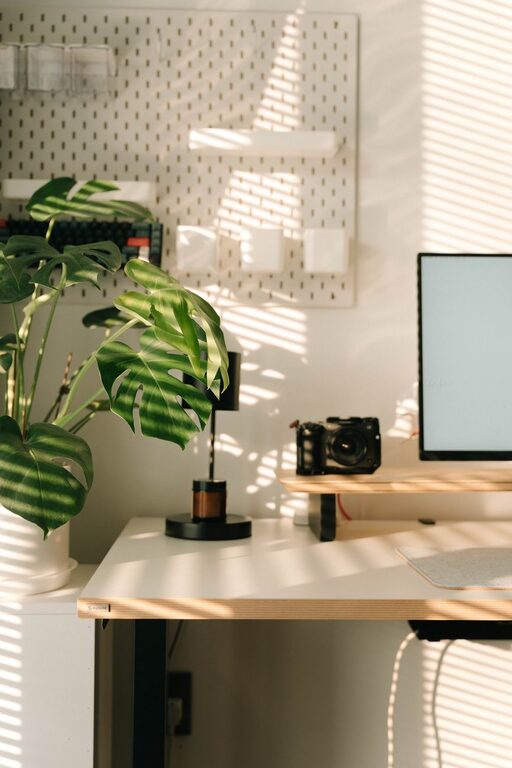
Good lighting reduces eye strain and improves mood. Natural light is the best option, so place your desk near windows when possible. Supplement with task lighting like adjustable desk lamps to ensure your workspace stays bright throughout the day, especially during evening hours.
Keep Your Workspace Organized
A clutter-free workspace helps clear your mind and improves focus. Use organizers, shelves, or drawers to keep supplies neatly stored. Regularly declutter your desk by removing unnecessary items. Use cable management solutions to prevent tangled cords and keep your area tidy.
Personalize Your Space
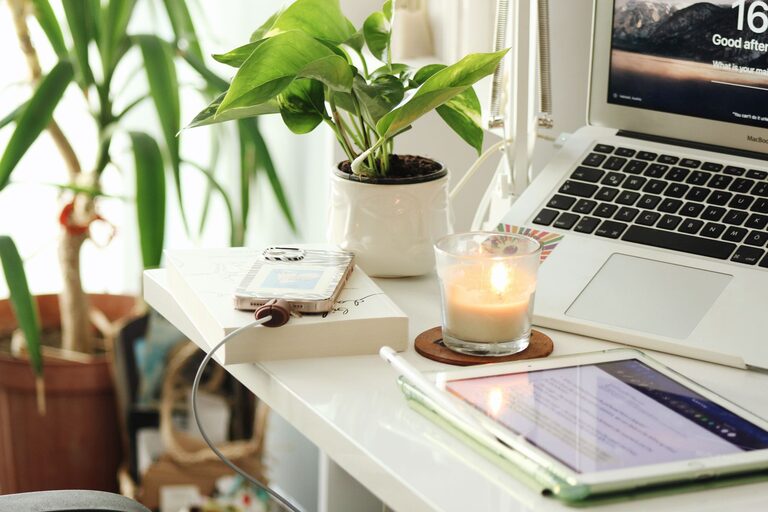
Adding personal touches can make your home office more inviting. Include artwork, plants, or photos that inspire you. However, keep decorations minimal to avoid distractions. Plants can also improve air quality and add a refreshing feel to your workspace.
Incorporate Technology Wisely
Make sure your technology supports your work needs. Invest in a reliable computer, fast internet connection, and quality peripherals like a keyboard and mouse that feel comfortable. Use tools like noise-canceling headphones if you work in a noisy environment.
Establish a Routine and Boundaries
Designating your home office as a dedicated workspace helps build a work routine. Set clear start and end times to maintain work-life balance. Inform family members or housemates about your work hours to minimize interruptions.
Use Storage Solutions
Efficient storage helps keep essential documents and office supplies accessible without overcrowding your desk. Consider wall-mounted shelves, filing cabinets, or storage bins that fit your space and style.
Maintain Good Air Quality
Proper ventilation is often overlooked but vital for comfort and focus. Open windows when possible, or use air purifiers to keep your workspace fresh and healthy.
Take Breaks and Move Around
Even with a great setup, sitting for too long can be tiring. Schedule regular breaks to stretch and move around. Consider incorporating a standing desk or adjustable workstation to change your posture throughout the day.
Add a Whiteboard or Corkboard
Visual aids like whiteboards and corkboards help organize tasks, track deadlines, and brainstorm ideas. Place them within easy reach to keep important reminders visible.
Manage Noise Levels
Noise can be distracting in a home environment. Use rugs, curtains, or acoustic panels to dampen sound. White noise machines or soft background music can also help mask disruptive sounds.
—
By combining these tips, you can create a home office space that helps you stay focused, comfortable, and motivated. Remember, your ideal workspace reflects your personal needs and preferences, so feel free to adapt these suggestions to fit your lifestyle. With the right setup, working from home can be both productive and enjoyable.