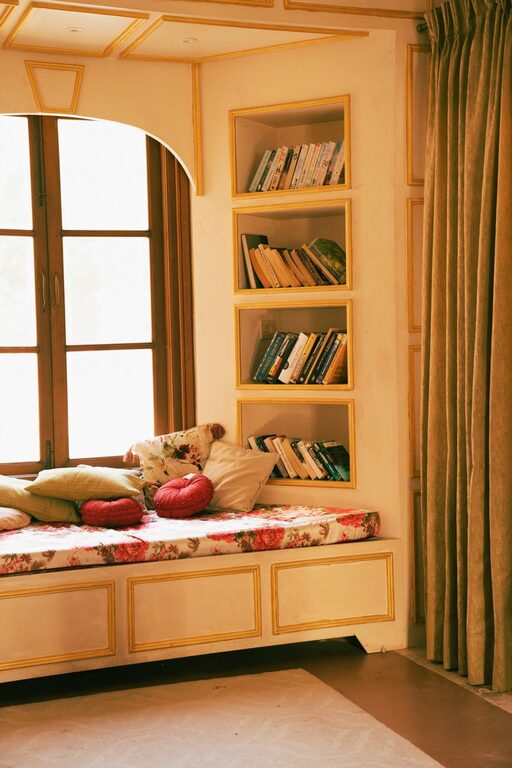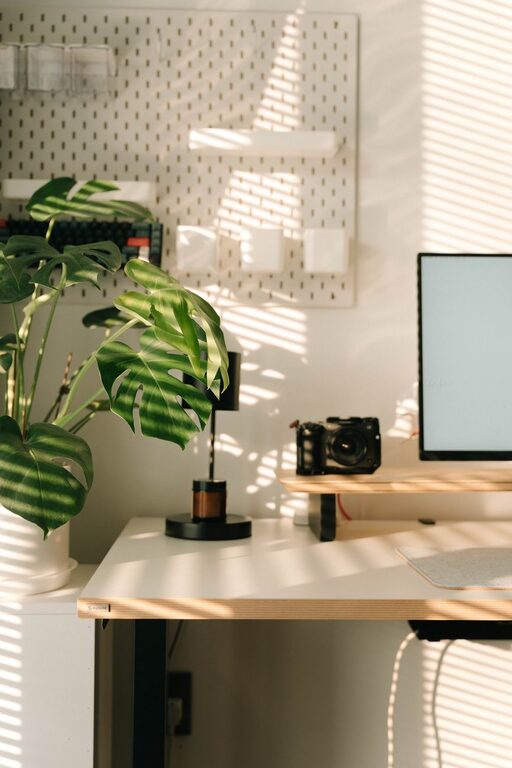



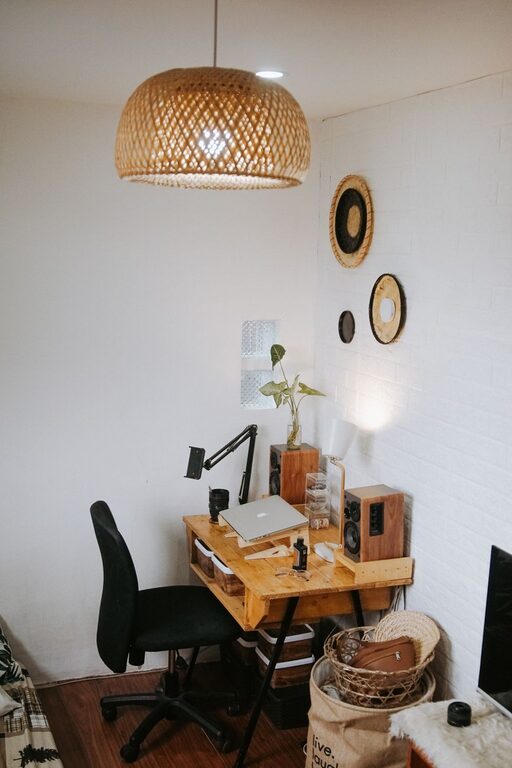
Creating a home workspace that feels both cozy and functional is essential for anyone working remotely or managing tasks at home. The right setup can improve focus, reduce stress, and make your workday more enjoyable. Whether you have a dedicated room or just a small corner, these tips will help you design a space that suits your needs and lifestyle.
Choose the Right Location
Consider Natural Light
If possible, set up your workspace near a window. Natural light helps reduce eye strain and improves mood. Position your desk so that sunlight comes from the side to avoid glare on your computer screen.
Minimize Distractions
Select a quiet spot away from high-traffic areas, noisy appliances, or television rooms. If space is limited, use room dividers or noise-canceling headphones to create a focused environment.
Invest in Comfortable Furniture
Ergonomic Desk and Chair
A comfortable chair with good lumbar support and a desk at the right height are key to preventing discomfort during long work hours. Consider adjustable options to customize your setup.
Add Soft Textiles
Incorporate cushions, throws, or a small rug to make your workspace cozy. These elements add warmth and can create a more inviting atmosphere.
Organize with Purpose
Use Storage Solutions
Clutter can distract and reduce productivity. Use shelves, drawers, or organizers to keep documents, supplies, and gadgets tidy and within reach.
Keep Frequently Used Items Handy
Place essential tools like pens, notebooks, or chargers close to your work area. Having everything you need nearby saves time and keeps you focused.
Personalize Your Space
Add Plants
Indoor plants not only decorate your space but also improve air quality and create a calming environment.
Include Personal Touches
Display photos, artwork, or meaningful items that inspire you. However, avoid overcrowding your space to maintain a clean, professional look.
Optimize Lighting
Layer Your Lighting
Combine natural light with task lighting and ambient lights. A desk lamp with adjustable brightness helps reduce eye strain, especially during evening hours.
Choose Warm Light Bulbs
Warm-toned bulbs create a cozy atmosphere, making your workspace feel inviting without being harsh.
Manage Technology Efficiently
Cable Management
Use clips, sleeves, or boxes to organize cables and keep them out of the way. This reduces clutter and prevents accidents.
Use Quality Equipment
Invest in reliable devices such as a good keyboard, mouse, and monitor to enhance comfort and productivity.
Establish a Routine
Set Boundaries
Define work hours and breaks to separate professional and personal life. This helps maintain balance and reduces burnout.
Keep Your Workspace Clean
At the end of each day, tidy your area to start fresh the next morning. A clean space supports mental clarity and motivation.
Consider Sound and Privacy
Use Soundproofing Materials
If noise is an issue, consider rugs, curtains, or acoustic panels to absorb sound.
Create Visual Privacy
If you’re sharing space, use screens or curtains to create a sense of separation and reduce distractions.
—
Creating a cozy and functional home workspace doesn’t require a big budget or a large area. Thoughtful planning, comfortable furniture, organized tools, and personal touches can transform any corner into a place where you enjoy working. Remember, a well-designed workspace supports your well-being and productivity. Start small, adjust as needed, and make your home office a space you look forward to spending time in.